I decided to play around with vRealize Network Insight after reading this article.
The steps for installation are described in this guide.
Erik Scholten has written a pretty good article on the capabilities of vRealize Network Insight here.
But at this time of writing the guide did not really cover all steps. But don’t worry! I will cover all steps to get it installed and configured.
The steps are shown below:
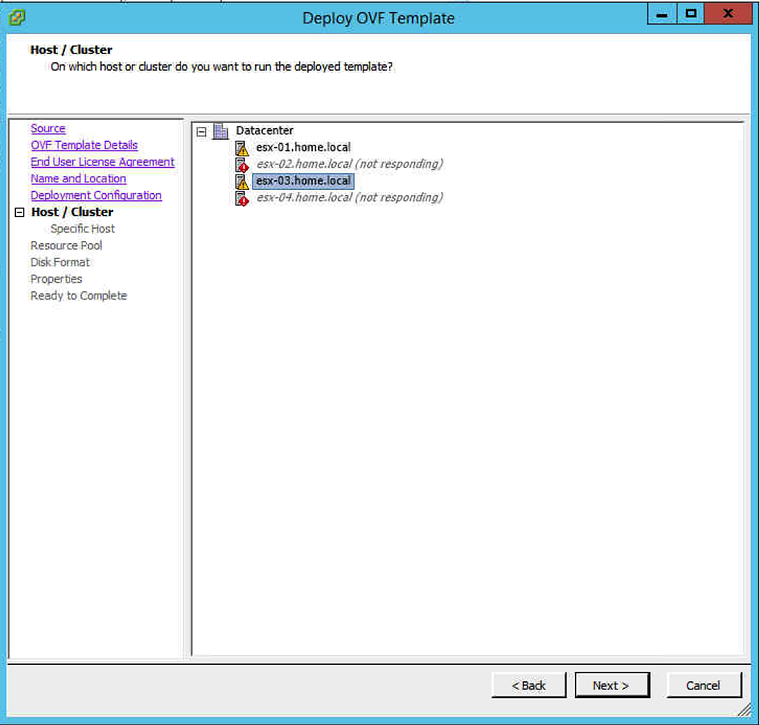
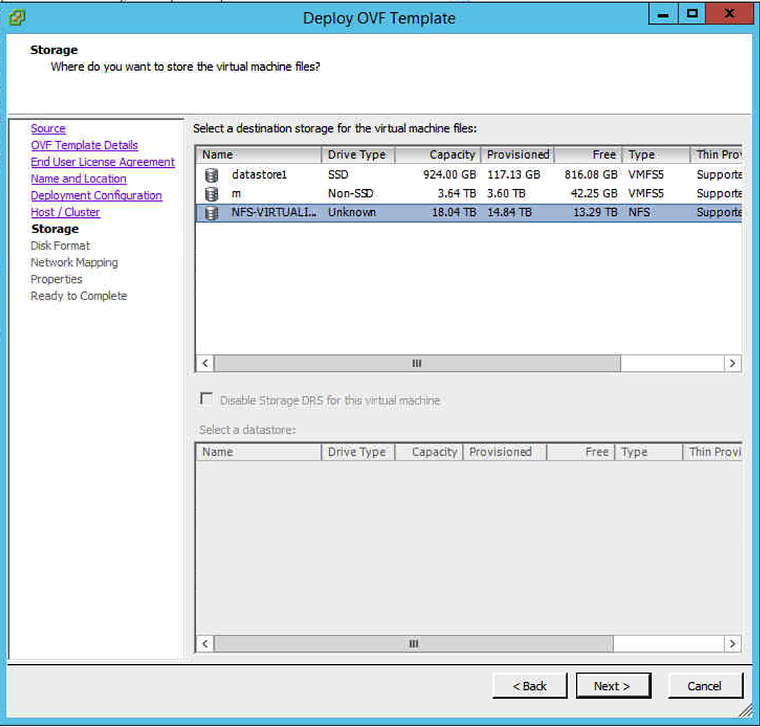
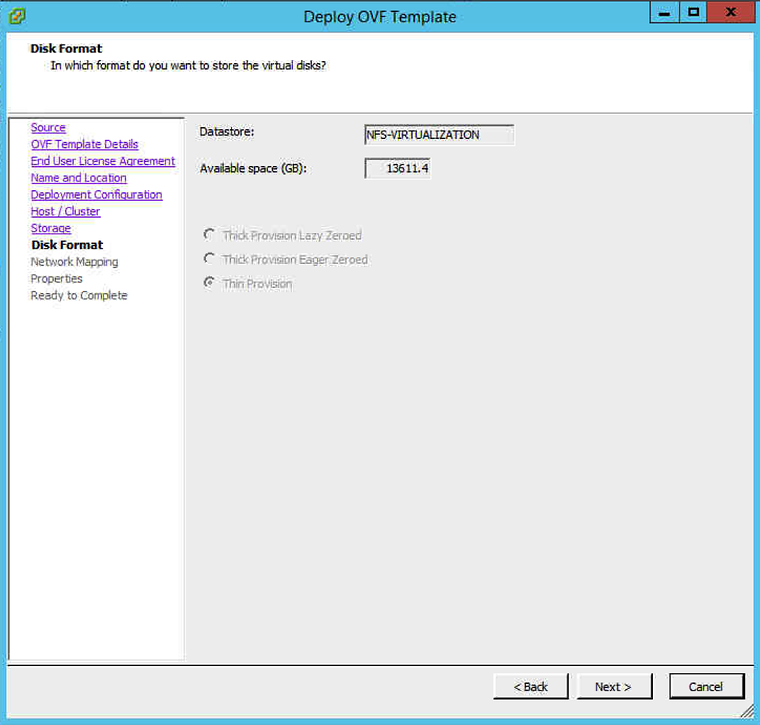
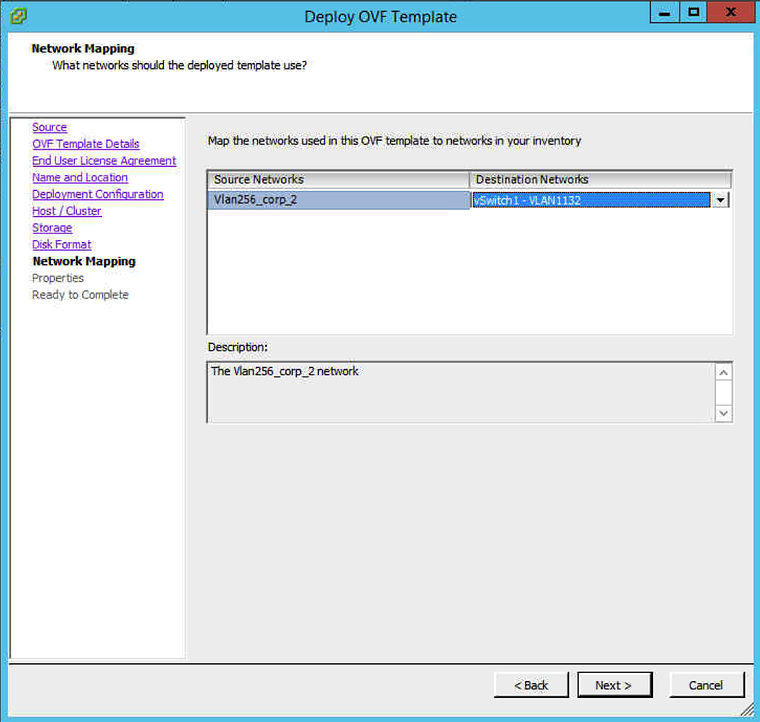
Deploy VMware_vRealize_Network_Insight_3 0 0–1469457715_platform ova
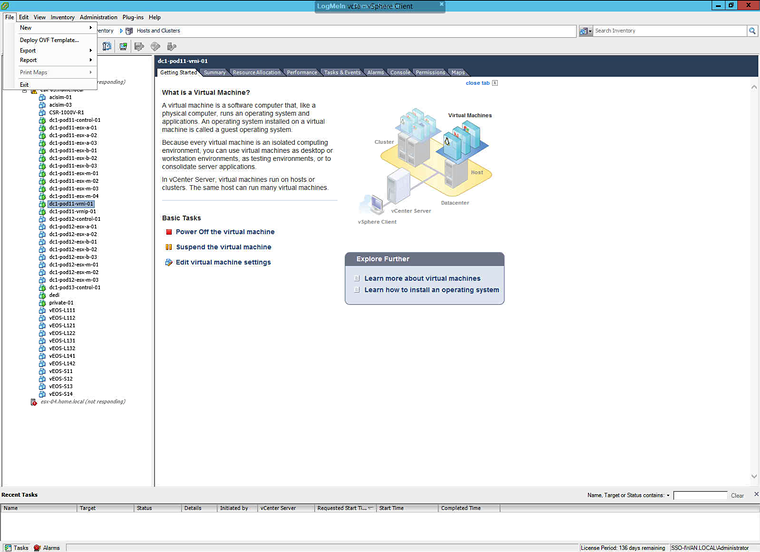
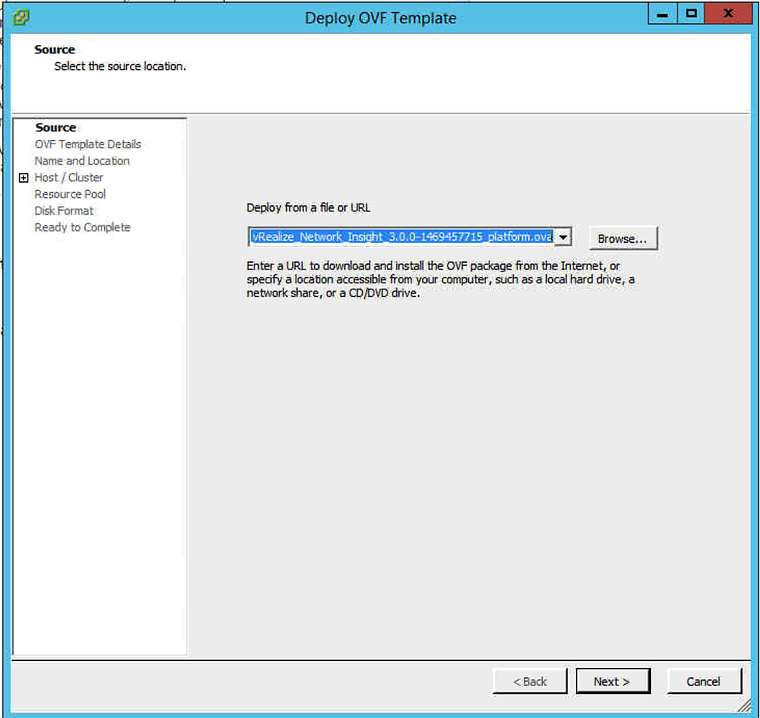
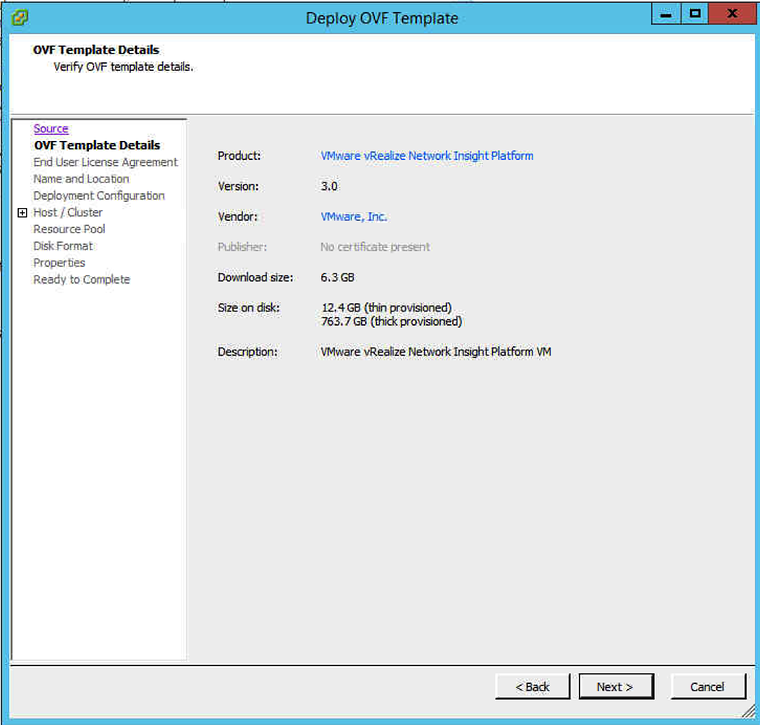
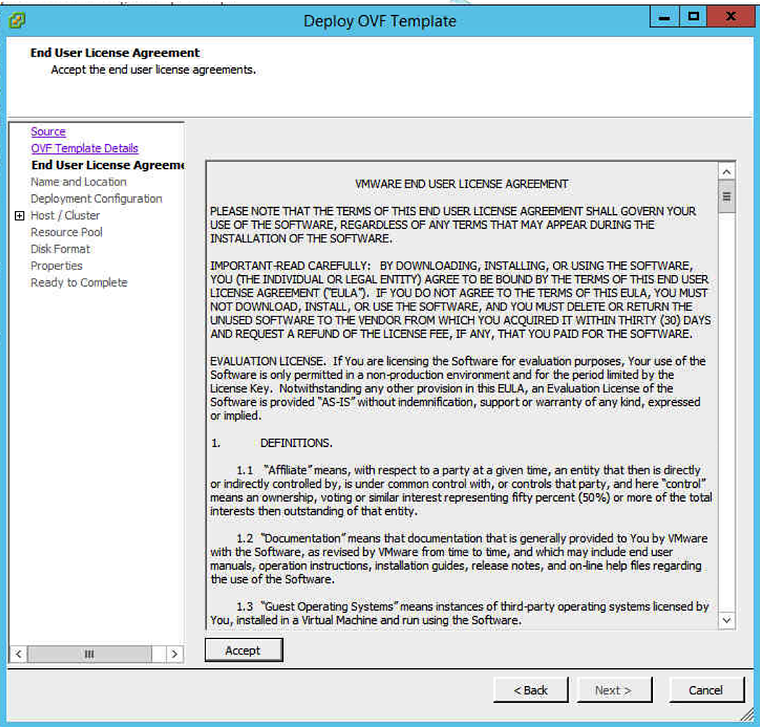
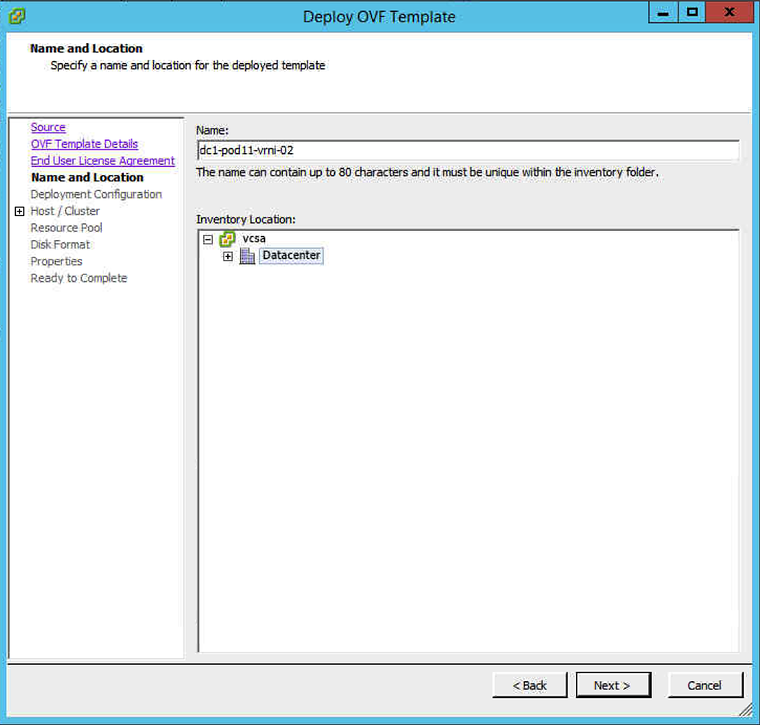
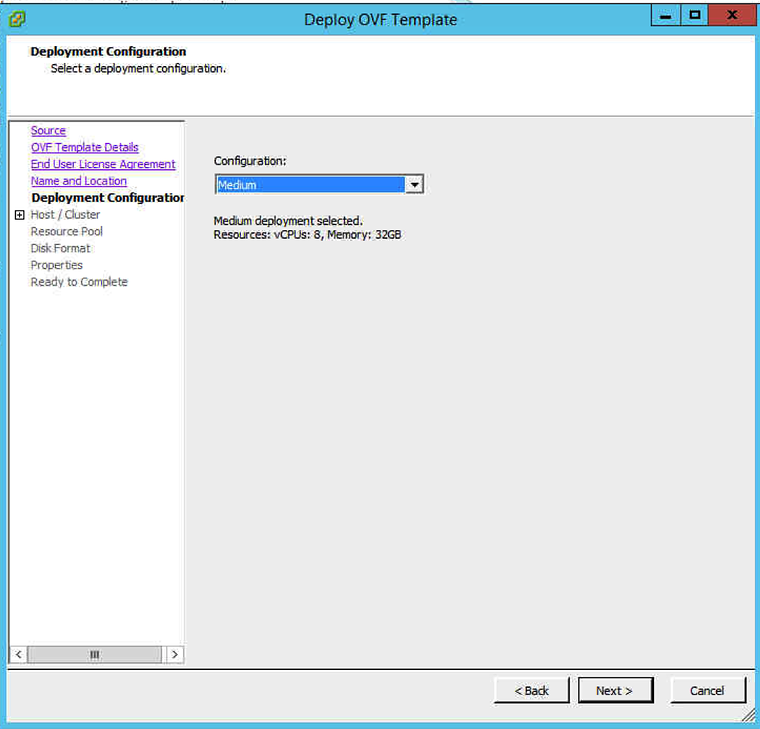
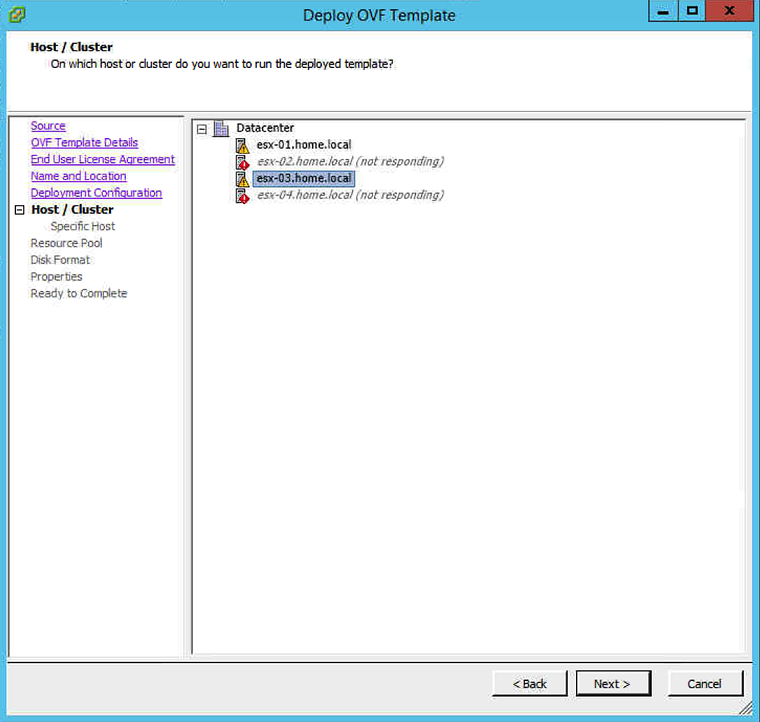
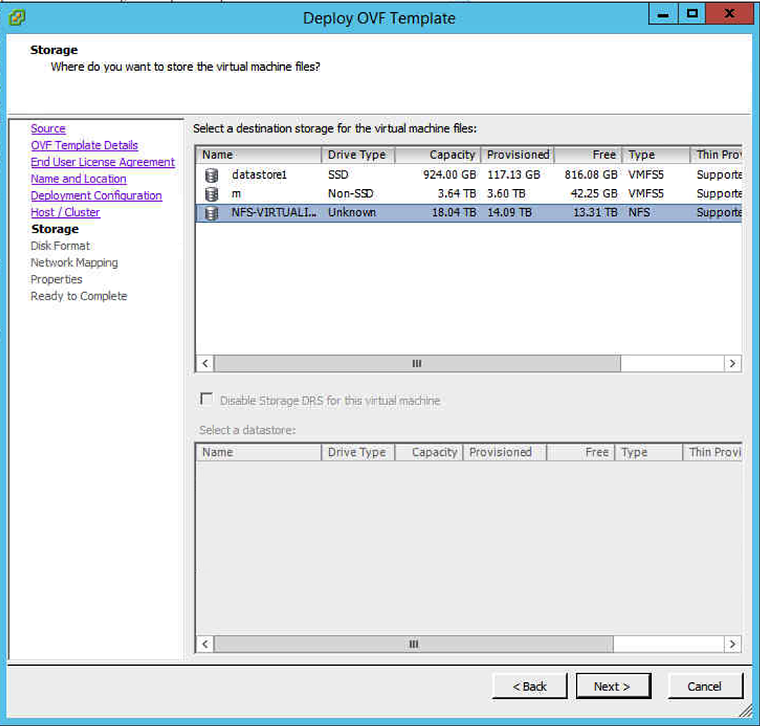
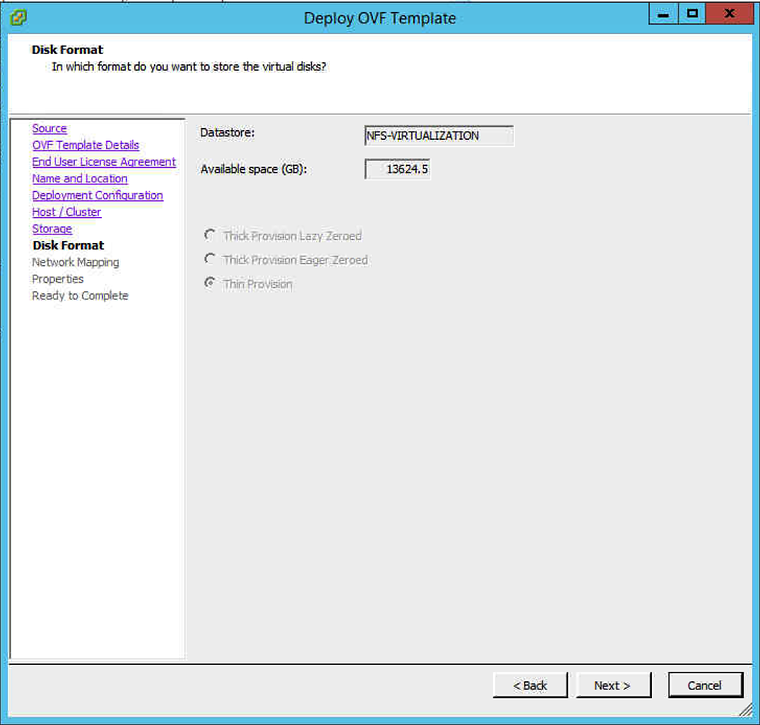
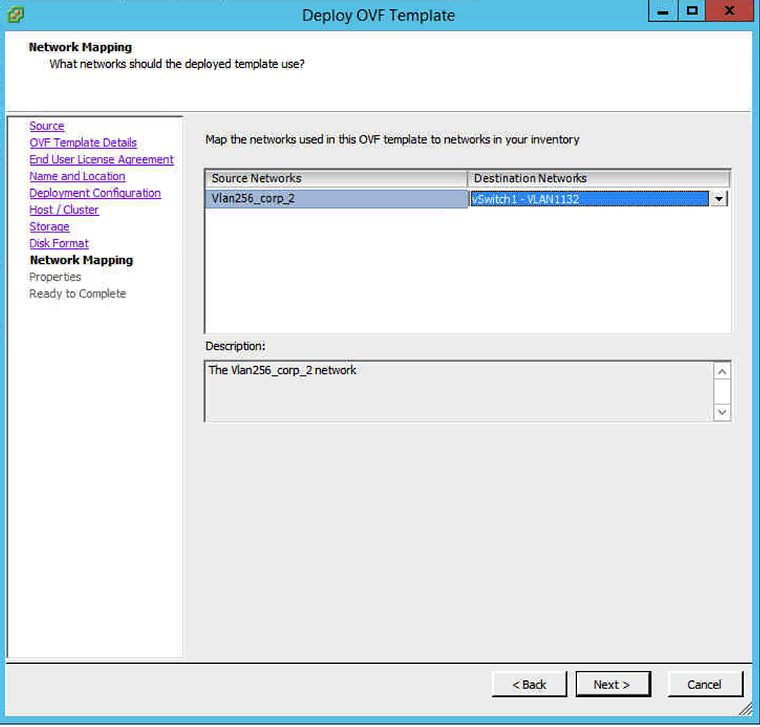
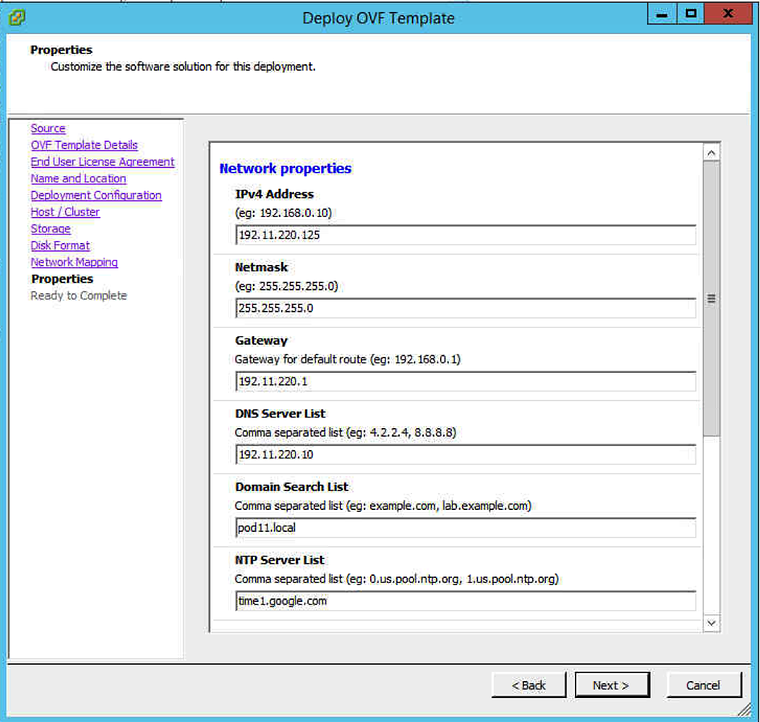
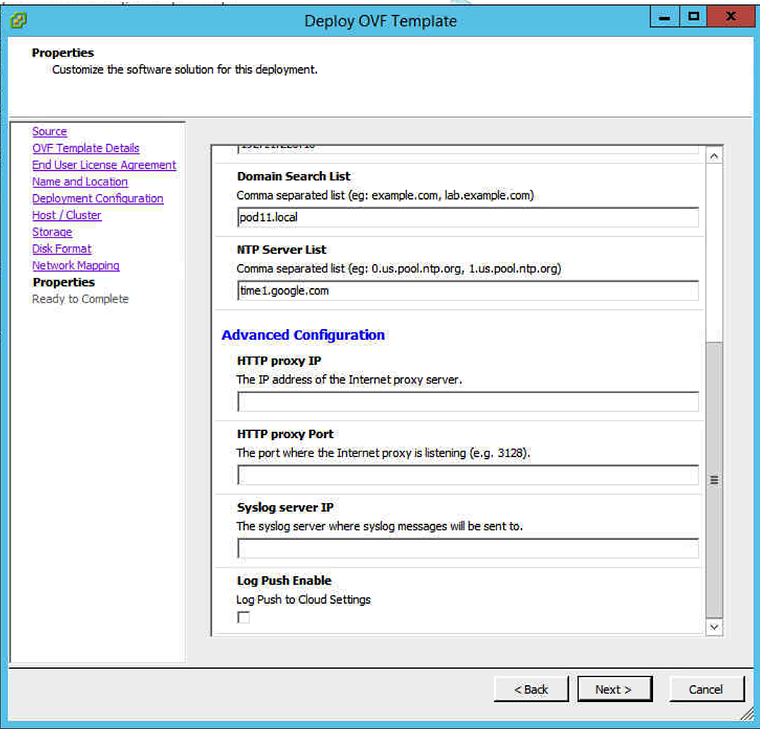
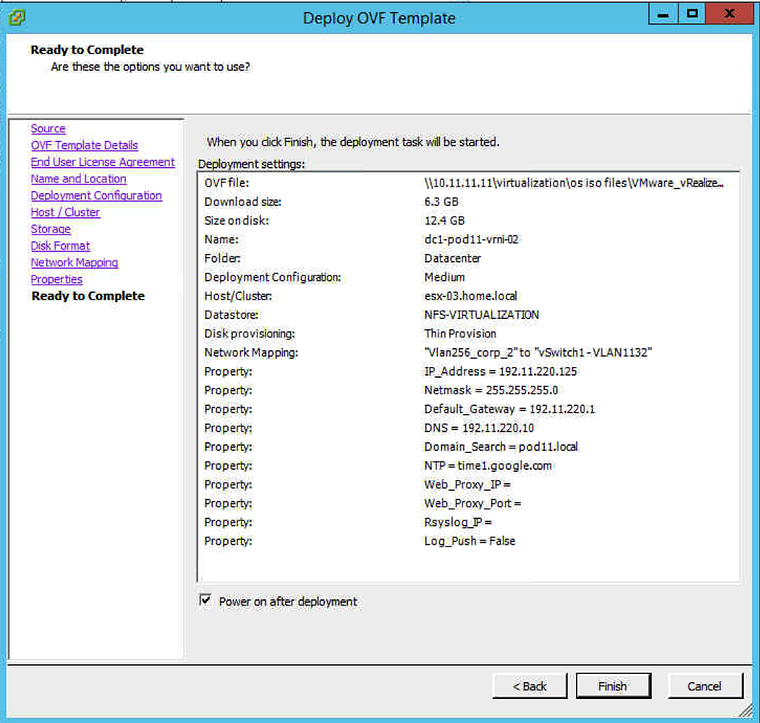
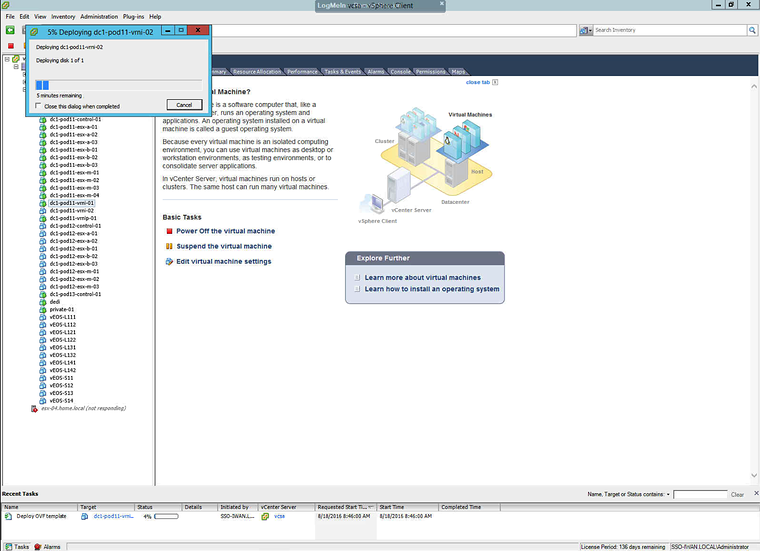
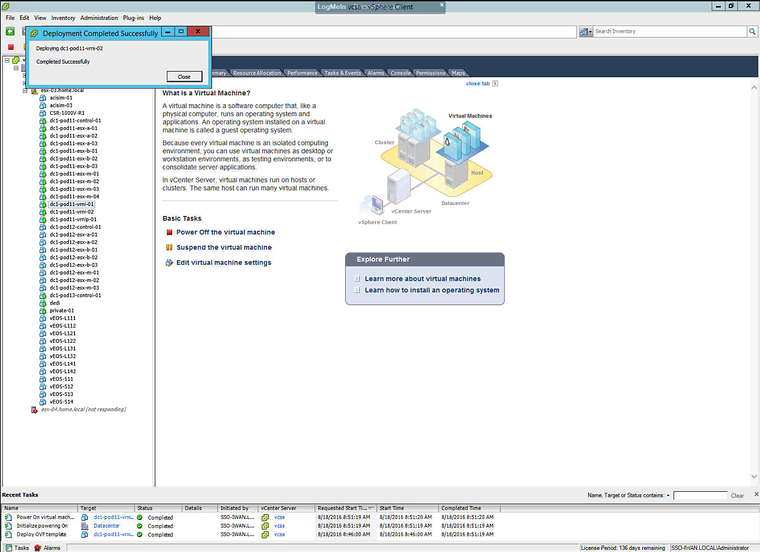
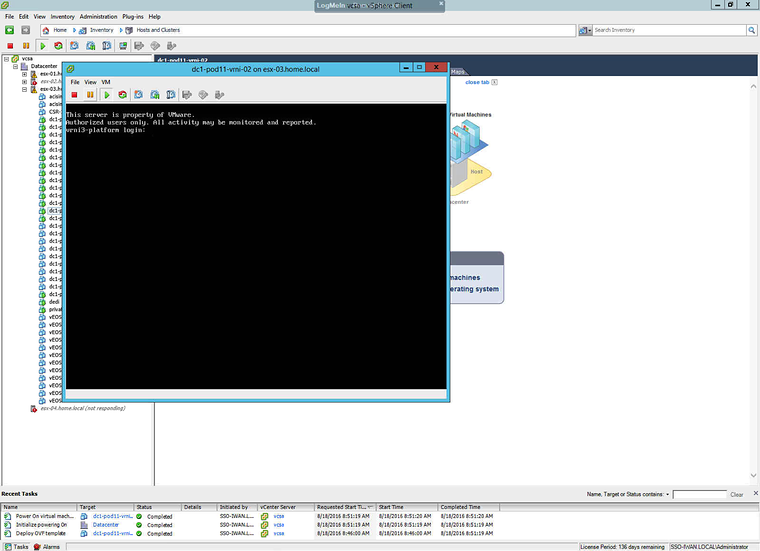
Browse to webpage
In my case I first received a strange login screen and I did not know any username and password to log in. According to the installation guide I should have gotten a screen where I can add the licence.
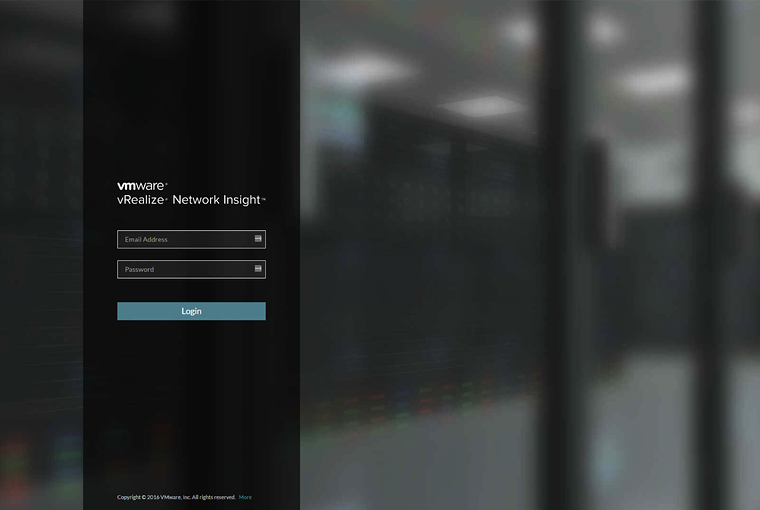
After waiting for 2 hours for some reason it suddenly showed me the correct screen. I suspect that not all services where started after the initial boot and I just needed to have some patience.
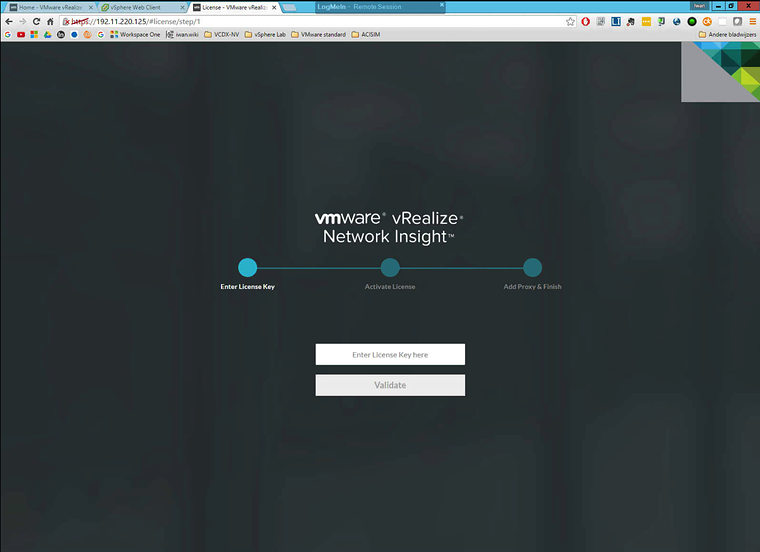
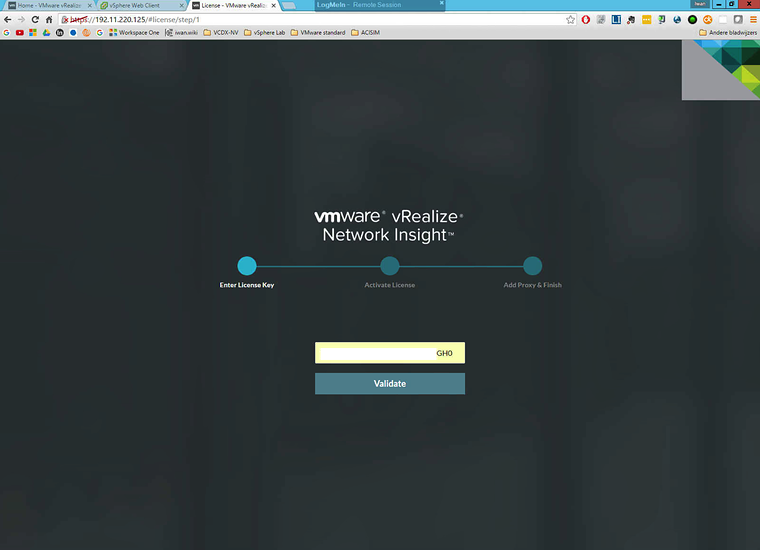
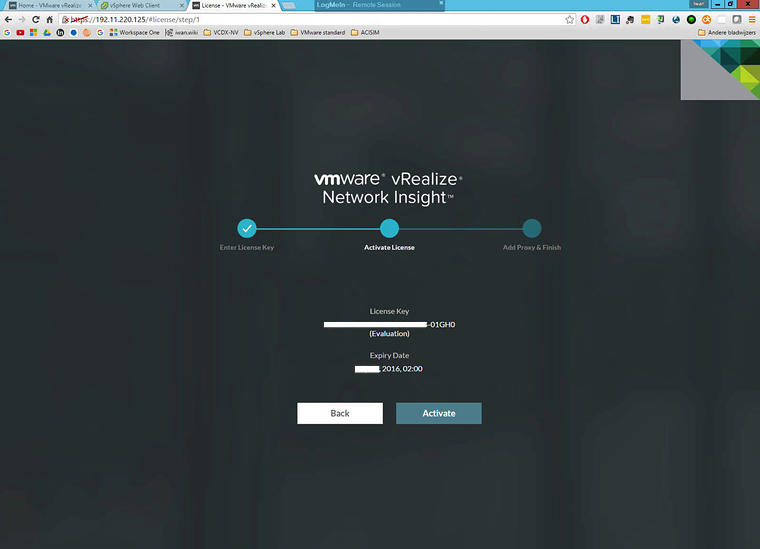
Add License
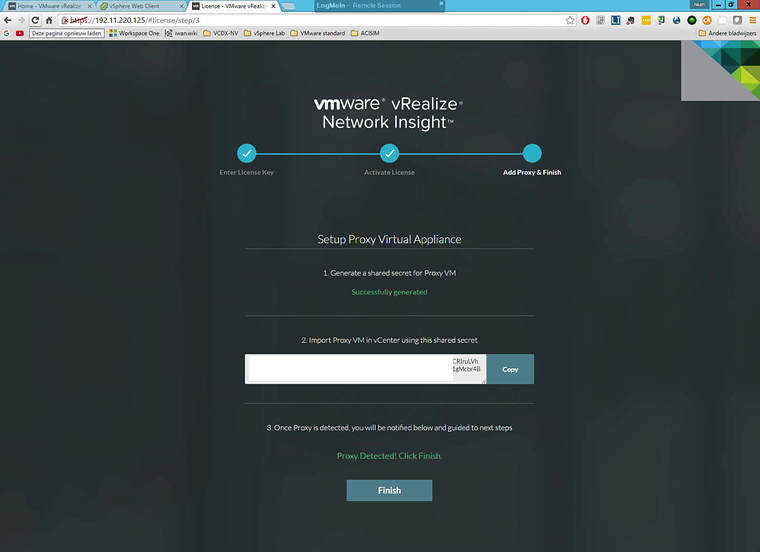
Generate Shared Secret
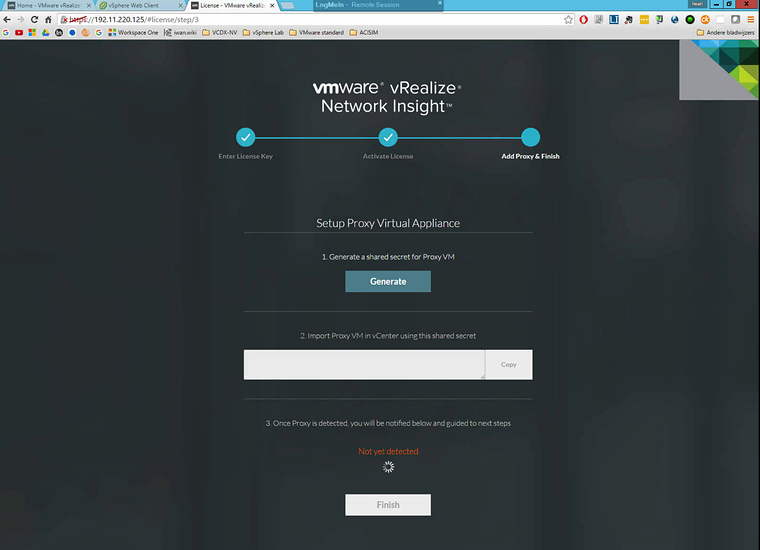
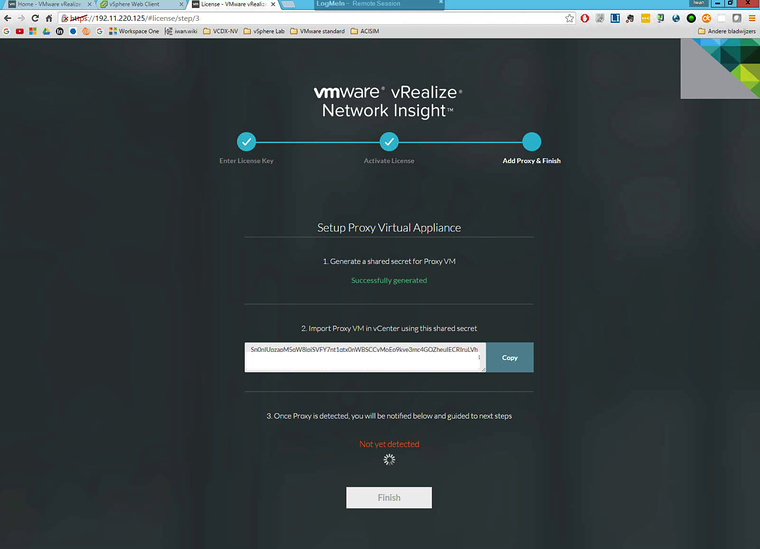
Deploy VMware_vRealize_Network_Insight_3 0 0–1469457715_proxy ova and Use Shared Secret to install Proxy
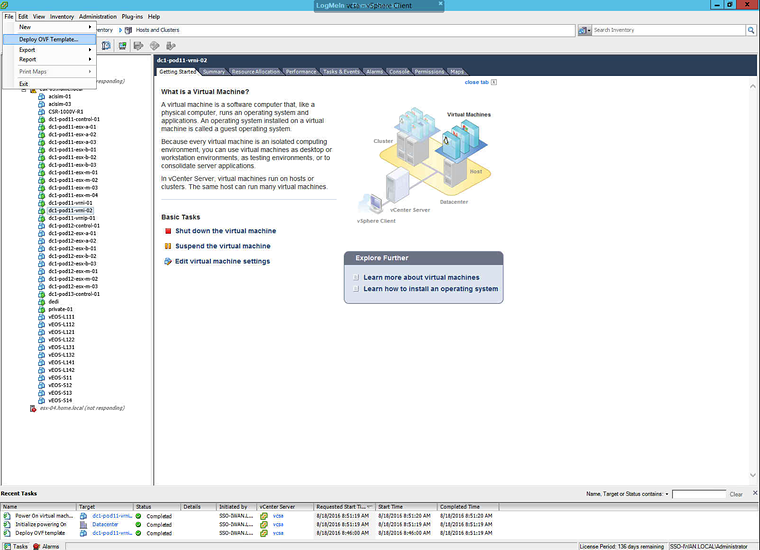
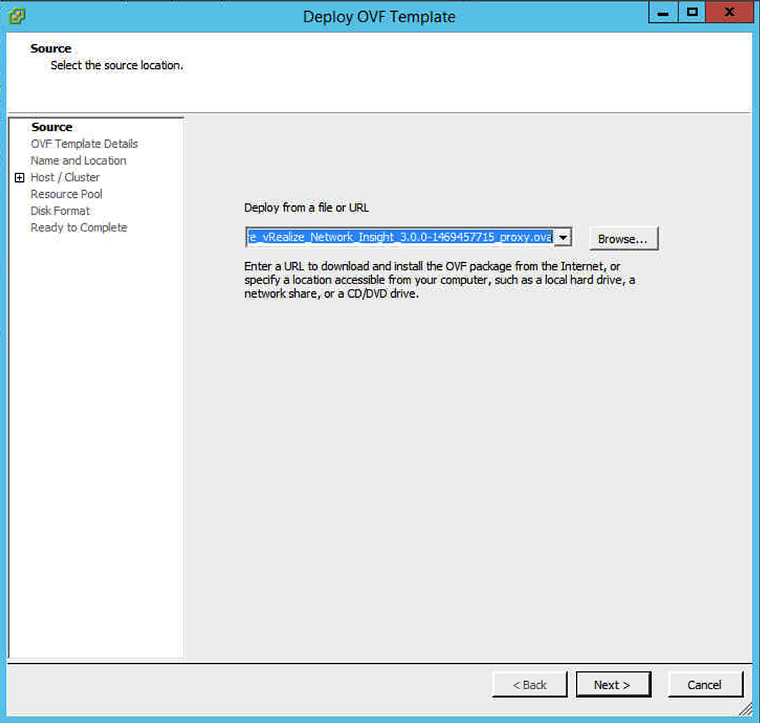
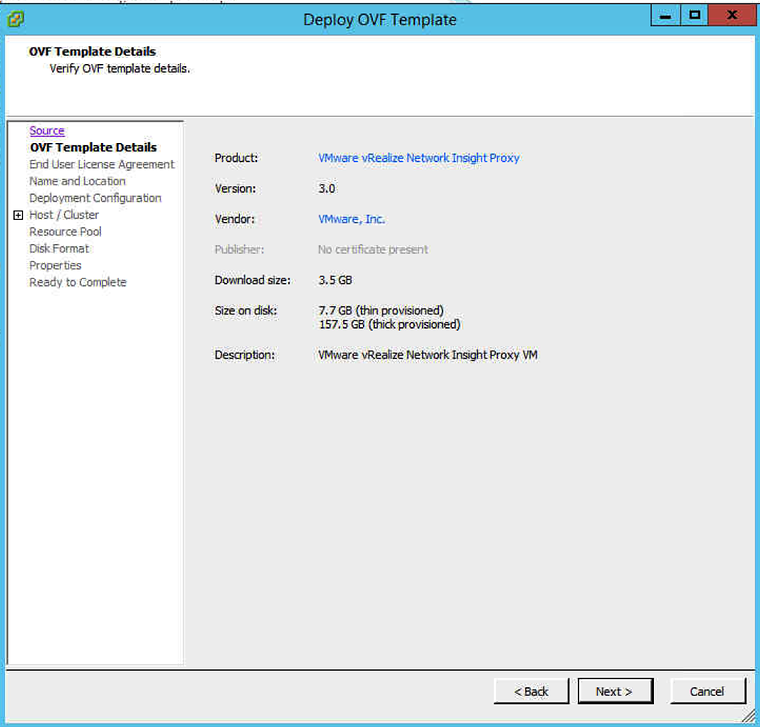
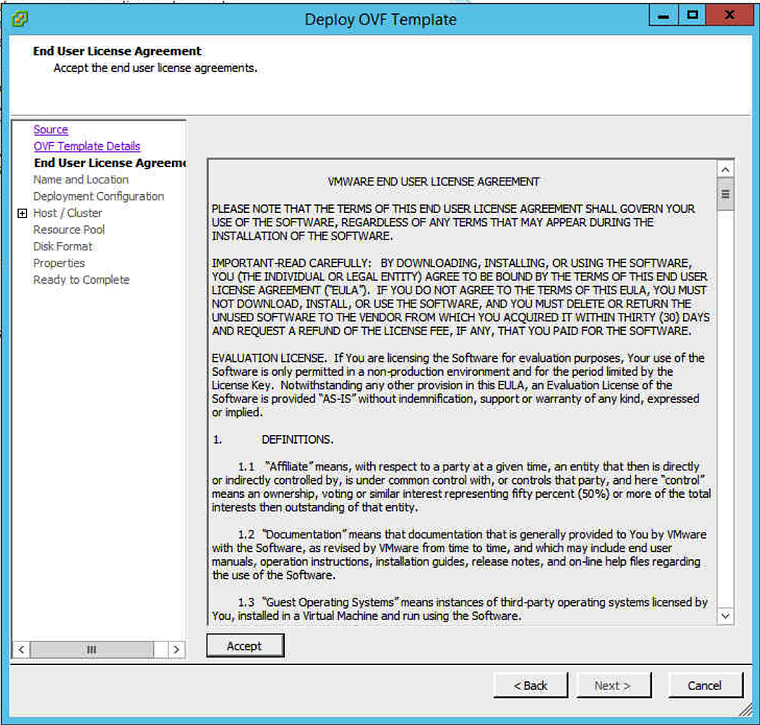
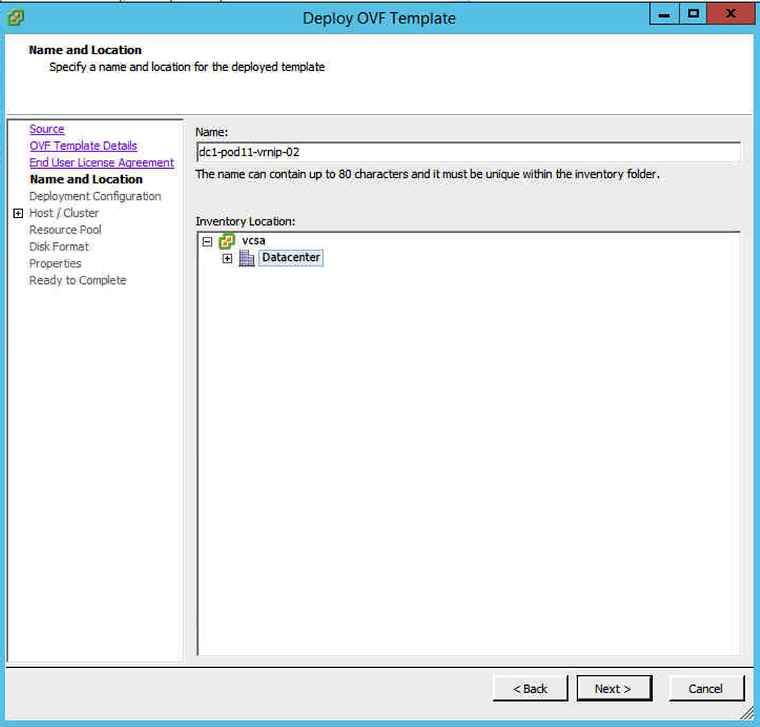
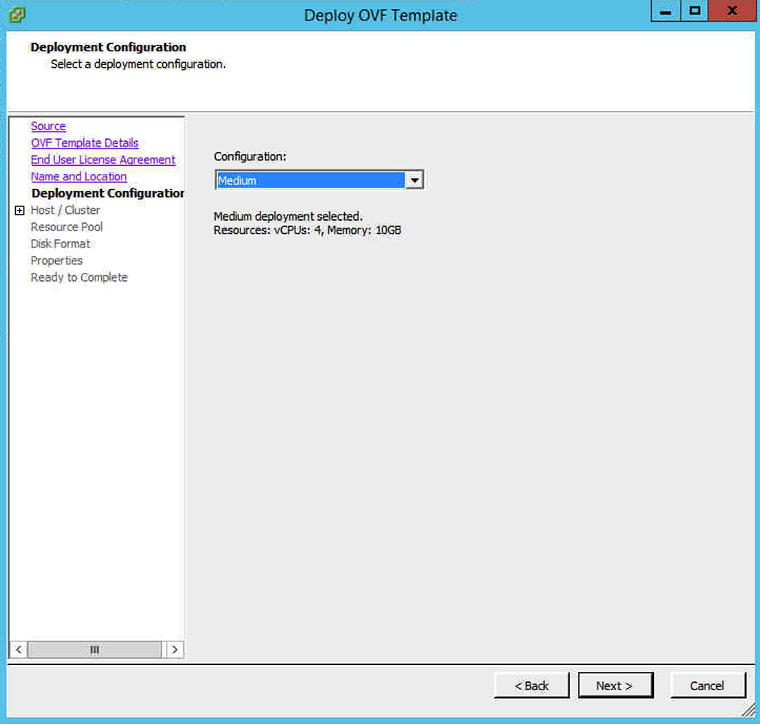
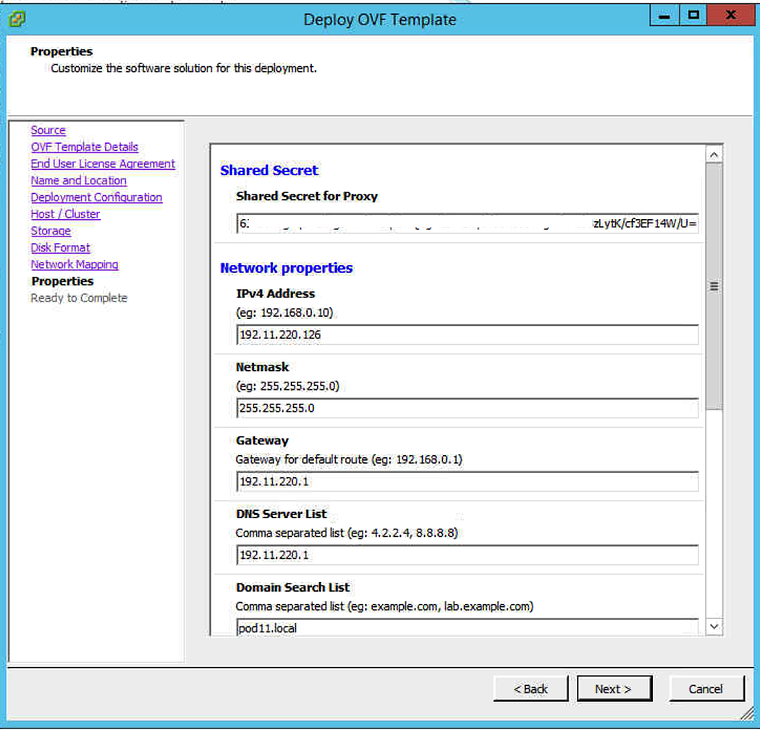
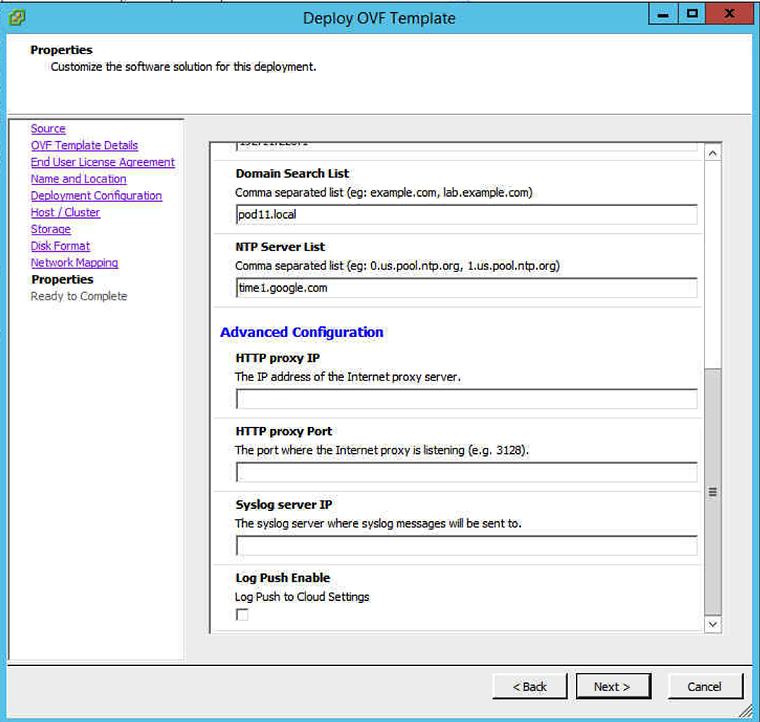
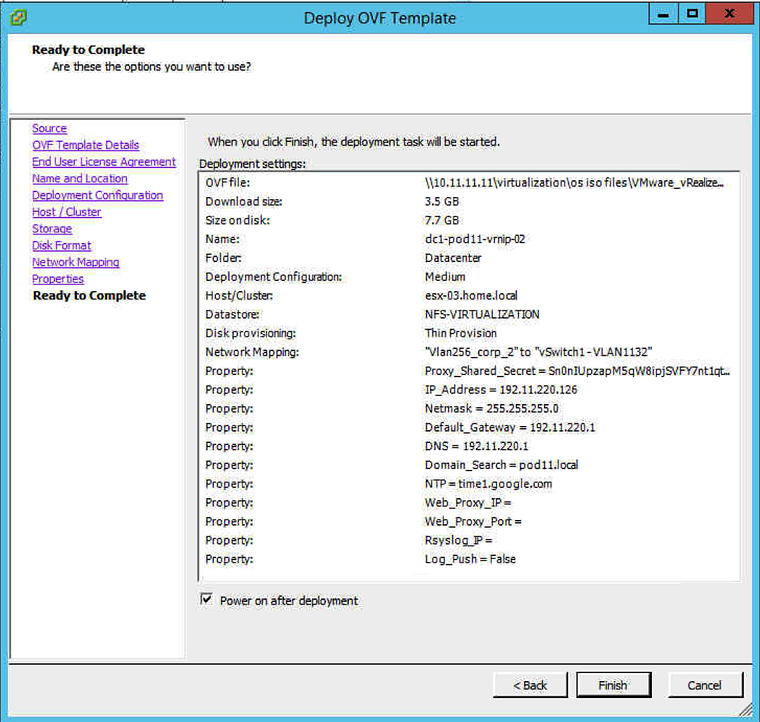
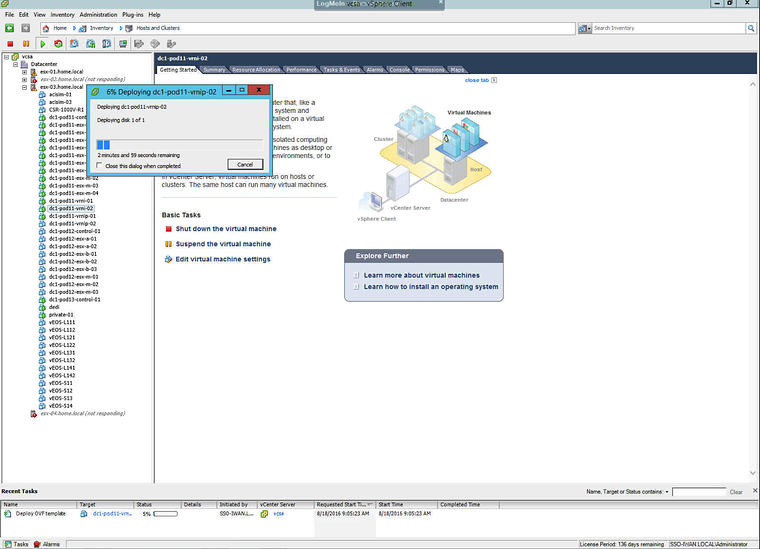
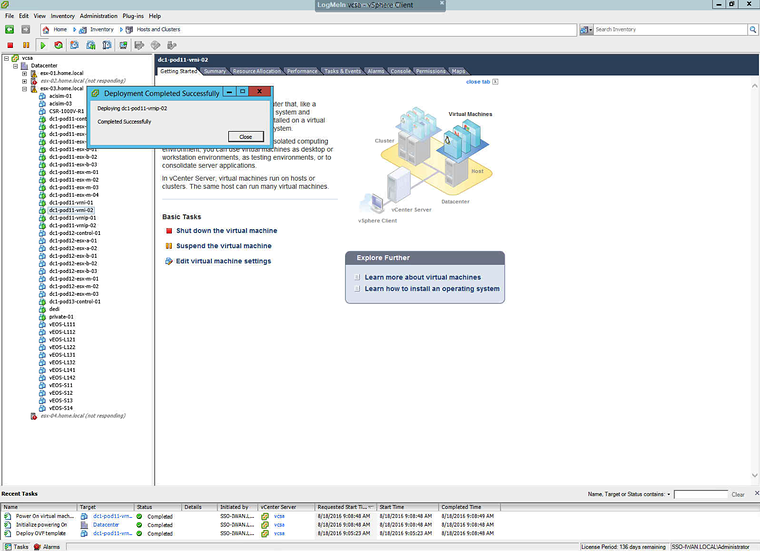
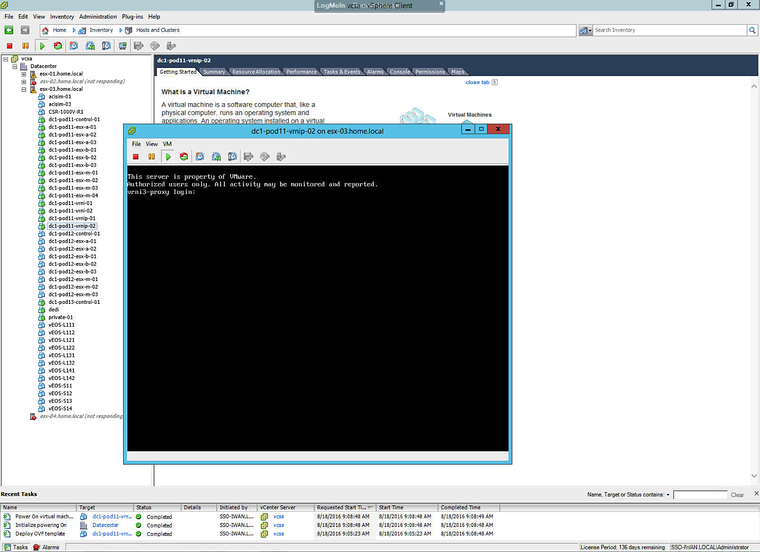
Click Finish when proxy is detected
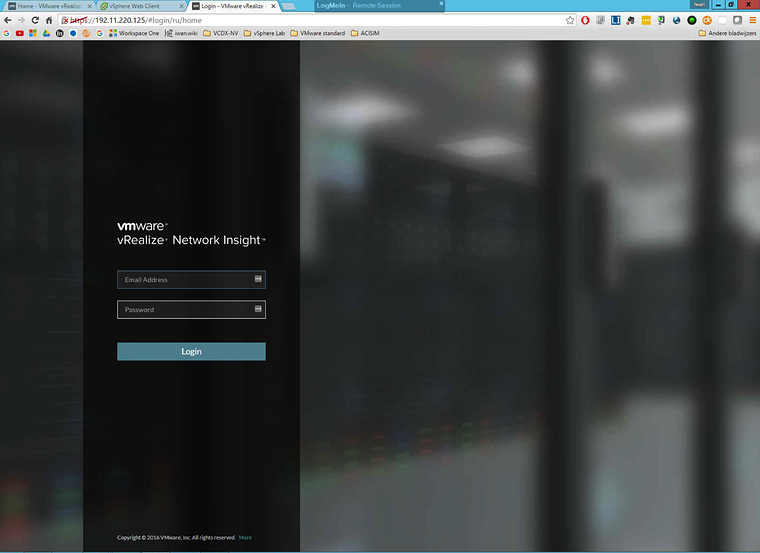
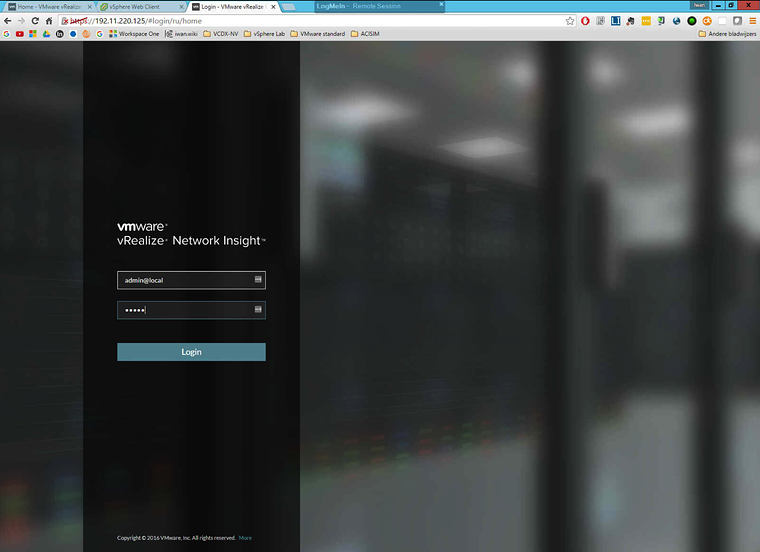
Browse to webpage and login
What was also missing in the installation guide was the username / password for the first time login. After asking around I got to know that the username is “admin@local” and the password is “admin”.
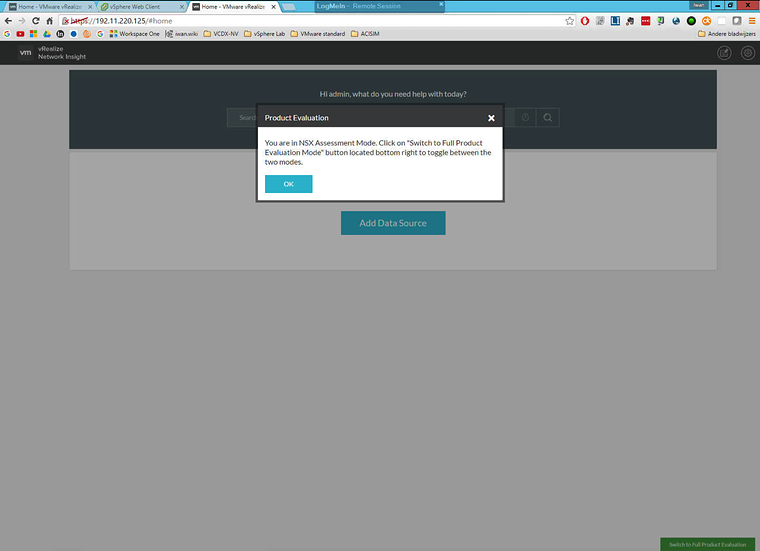
Switch between modes
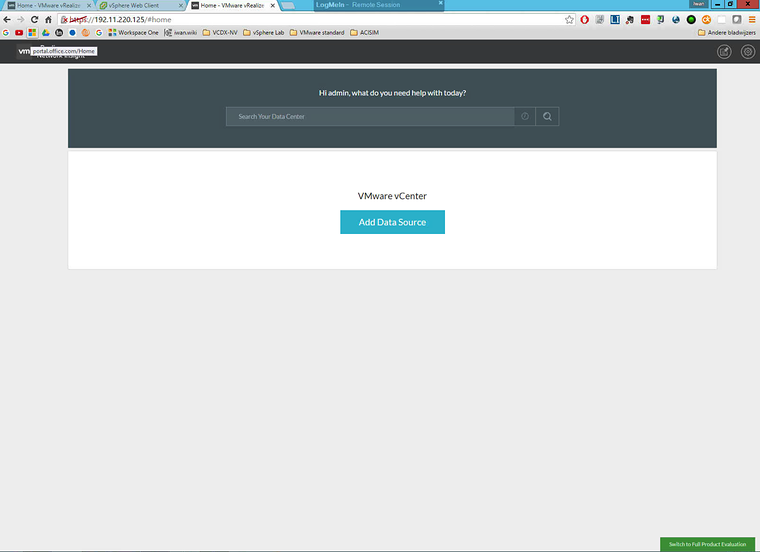
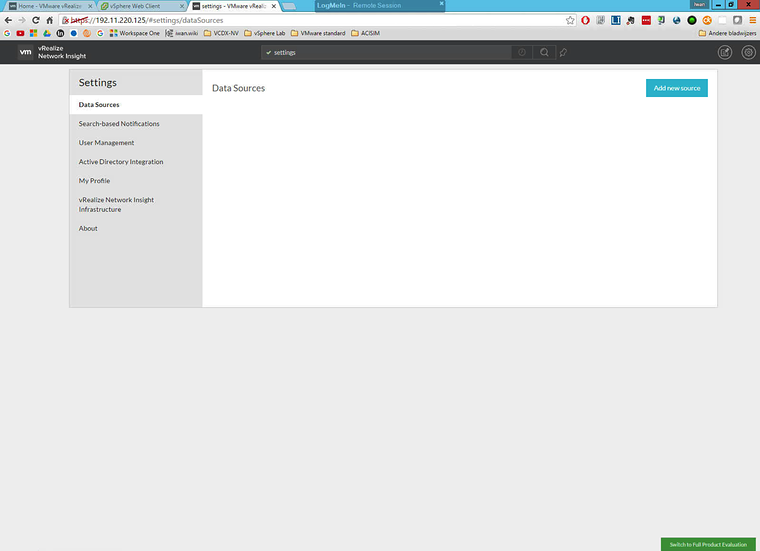
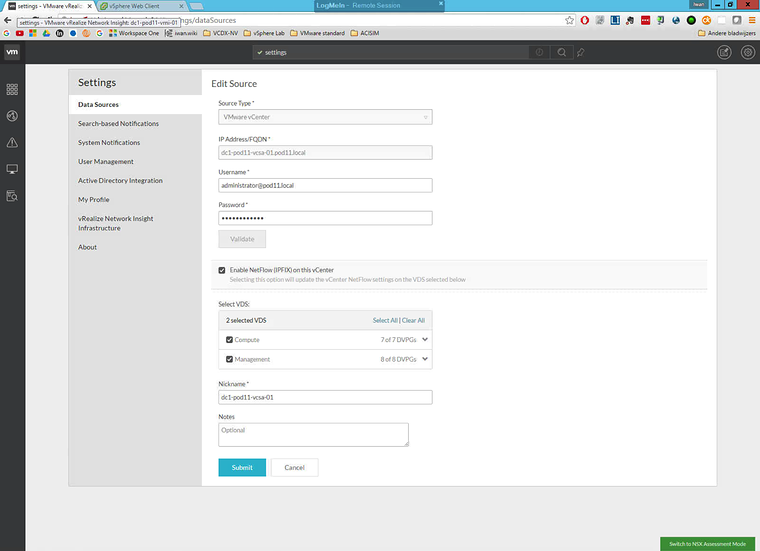
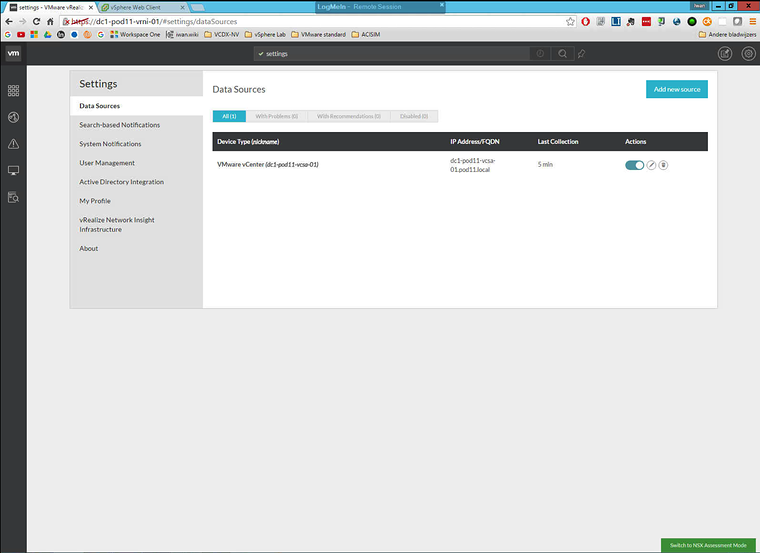
Add Data Source
Originally published on the old wiki at /index.php/Getting_started_with_vRealize_Network_Insight_/_Arkin_(Installation_&_Configuration).